
Here is the thing nobody puts in the headline: not one major grand strategy game carries a Steam Deck Verified badge. The best grand strategy games Steam Deck owners can play are all rated Playable, which in this genre translates to one specific complaint. The text is too small, and Valve knows it.
That does not make the Deck a bad place for these games. It makes it a place where you do fifteen minutes of setup first. Every pick below runs fine on the hardware, because map-based strategy barely taxes a GPU. This list doubles as a shortlist of grand strategy games for low end PC builds for the same reason.
1. Crusader Kings III
The best one, and the one that needs the most work. Valve rates Crusader Kings III as Playable and lists the reasons plainly on its compatibility tiers page: small text, a launcher you have to click through, manual keyboard invocation, and no full controller support. The PC build never got the gamepad layer the console versions shipped with.
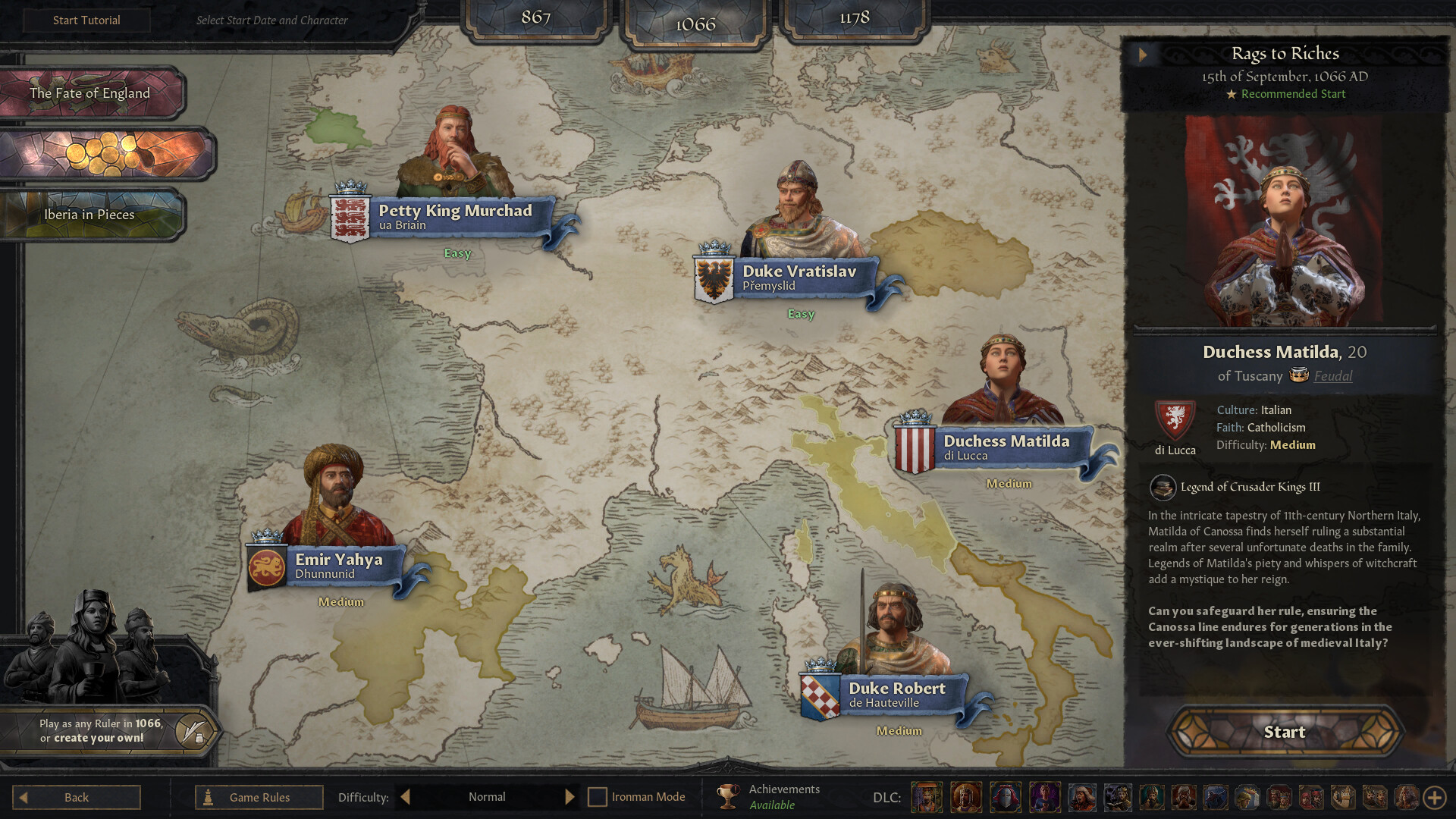
The fix is two downloads. Grab a community control layout built around the trackpads rather than a virtual gamepad, and grab a UI scaling mod so the menus can be enlarged without overflowing off the screen. After that it is genuinely comfortable. Stability is decent rather than perfect, so lean on autosaves.
2. Old World
Old World is the one where the studio actually cares about the handheld. Mohawk Games ships a native Linux build, moved it to Vulkan in March 2025 specifically to help Linux and Deck performance, and has been testing larger interface scaling options for small screens. That is more Deck attention than Paradox has given any of its own titles.
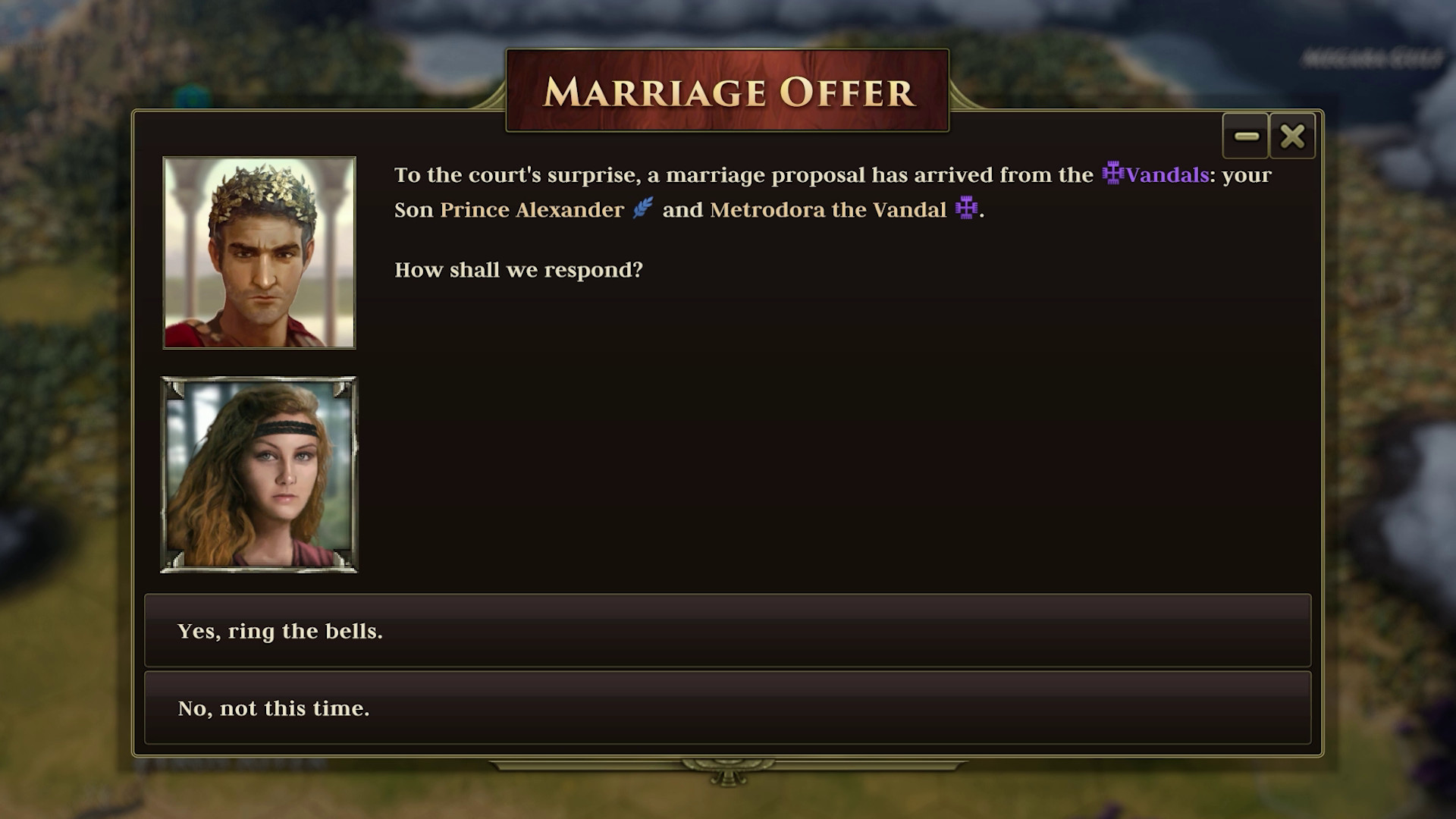
It also helps that the design suits handheld play. Turns are discrete, the orders system caps how much you can do per turn, and a session breaks cleanly whenever you put the Deck to sleep. It is still officially Playable rather than Verified, and the developer’s own page is the best place to check what the current build includes. The dynasty layer is thinner than Crusader Kings III, which is the fair criticism.
3. Hearts of Iron IV
Also Playable, also for text-size reasons, and harder than Crusader Kings III on both counts. The interface packs more information into the same space, and there is no widely used scaling mod that cleans it up. You will be squinting at division counters.
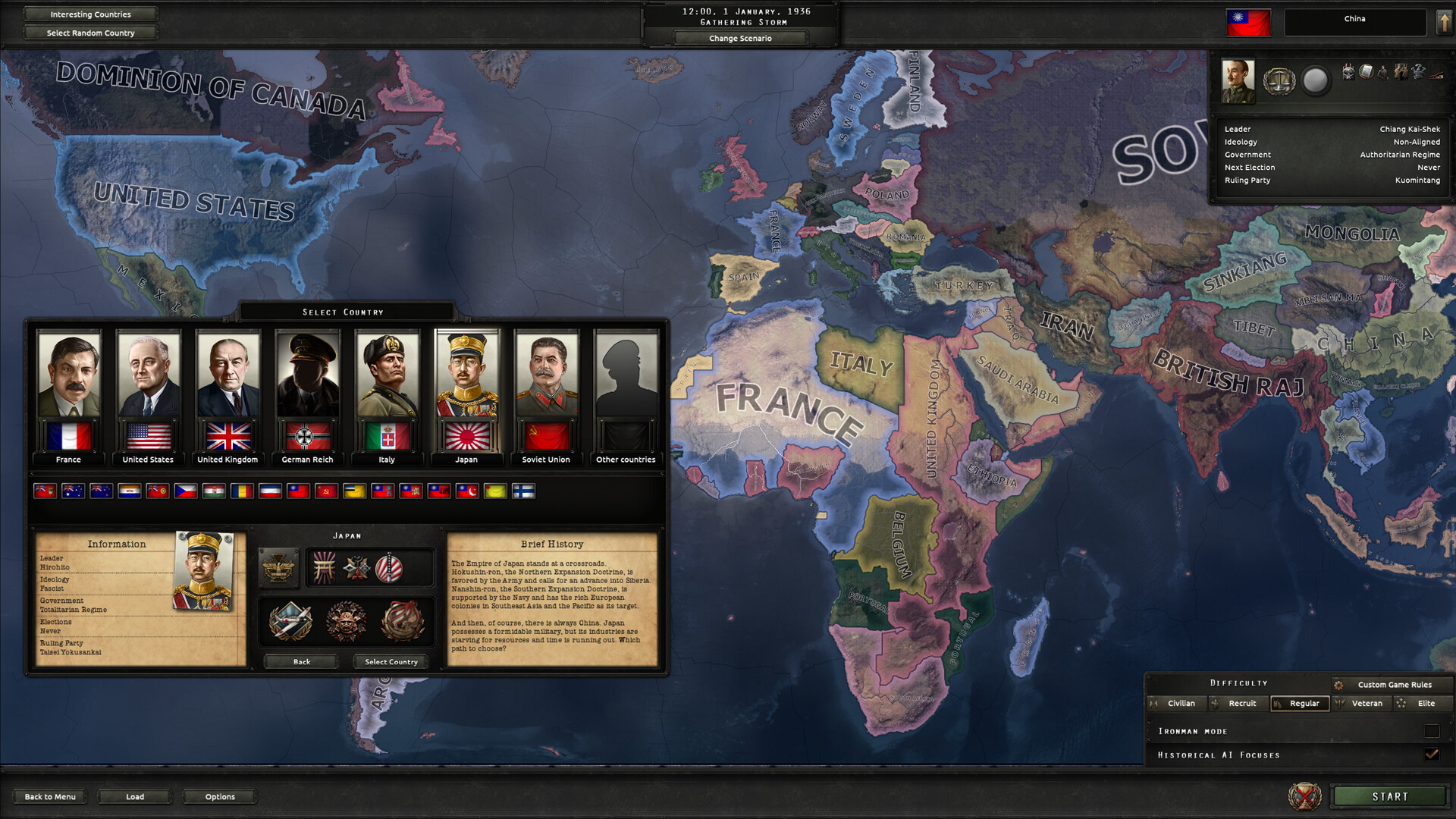
Two practical notes. Pick a community layout with map and army shortcuts mapped to the back buttons, because the default input scheme is close to unusable. And stay at 800p in handheld mode. Loading a save that was created docked at a different resolution causes pointer misalignment. Late-game at maximum speed also chews through the Deck’s CPU budget, so expect the clock to crawl once half of Europe is at war.
4. Ozymandias: Bronze Age Empire Sim
The dark horse, and the only entry that needs no setup at all. Ozymandias runs well on default graphics settings, its map icons are large enough to read without mods, and a full campaign finishes in under an hour. That last part matters more on a handheld than anywhere else.

The trade is depth. Diplomacy is thin, there is no internal politics, and after a handful of runs you have seen the systems. As a commute game it beats everything above it. As a hobby it does not.
The Two Settings That Fix Most of It
First, ignore any control layout that emulates a gamepad and pick one built around the trackpads. These games are cursor-driven, and the trackpads plus back buttons get you close to mouse speed. Community layouts do this better than anything official.
Second, cap the frame rate at 30 and the TDP around 10 watts. None of these games need more, and you will roughly double your battery life on a long campaign. The Steam Deck grand strategy games experience lives or dies on session length, not frame rate.
What to Install First
If you already own something from this list, start with Old World, because it needs the least tuning and rewards short sessions. If you own nothing and want the deepest game, take Crusader Kings III and budget an evening for setup before your first real campaign. Skip Hearts of Iron IV as your first Deck strategy game unless you have played it on a monitor already.
Running on modest hardware is a recurring theme around here, and our Mac-native picks cover the same question from the other direction. For the full desktop picture there is our PC ranking across every subgenre, and if you want to know what is coming, the 2027 preview tracks announced projects. Our grand strategy guides handle the mechanics, and Strategygame.org updates these picks when compatibility ratings change.
Frequently Asked Questions
Is Crusader Kings III Steam Deck Verified?
No. It is rated Playable, not Verified. Valve flags small text, the launcher, manual keyboard invocation, and the lack of full controller support in the PC build. It plays well anyway once you add a trackpad-based control layout and a UI scaling mod.
What is the best grand strategy game for Steam Deck?
Old World, if you want something that works with minimal fuss, since Mohawk Games ships a native Linux build and has been improving interface scaling for small screens. Crusader Kings III is the better game overall and the better pick once you have set it up.
Are any of these free to play?
None of the four are free. Crusader Kings III and Hearts of Iron IV both run free weekends fairly often, which is the cheapest way to test whether the interface works for you on a handheld before committing.
How do you set up controls for a grand strategy game on Steam Deck?
Open the game’s controller settings, browse community layouts, and pick one that maps the cursor to a trackpad instead of emulating a thumbstick gamepad. Then assign the most-used hotkeys to the four back buttons. That combination gets you close to mouse-and-keyboard speed.
Do these run on a low-end PC or an older laptop?
Generally yes. Anything that fits inside the Deck’s power budget will run on a mid-range laptop from several years back. The heavy cost in these games is late-game CPU work rather than graphics, so a weak GPU matters far less than a slow processor.
