
Almost everyone who plays The Tower Idle Tower Defense hits the same wall somewhere around Tier 10. Your runs stall, the enemies start one-shotting your tower, and it feels like progress has flatlined. It hasn’t. The Tower is an economy game wearing a tower defense costume, and getting past Tier 10 is about fixing your coin engine and your build order, not just pushing harder. This The Tower Idle Tower Defense guide lays out the build path, the workshop and lab priorities, and the exact moment to stop farming and start pushing.
How The Tower Idle Tower Defense Actually Works
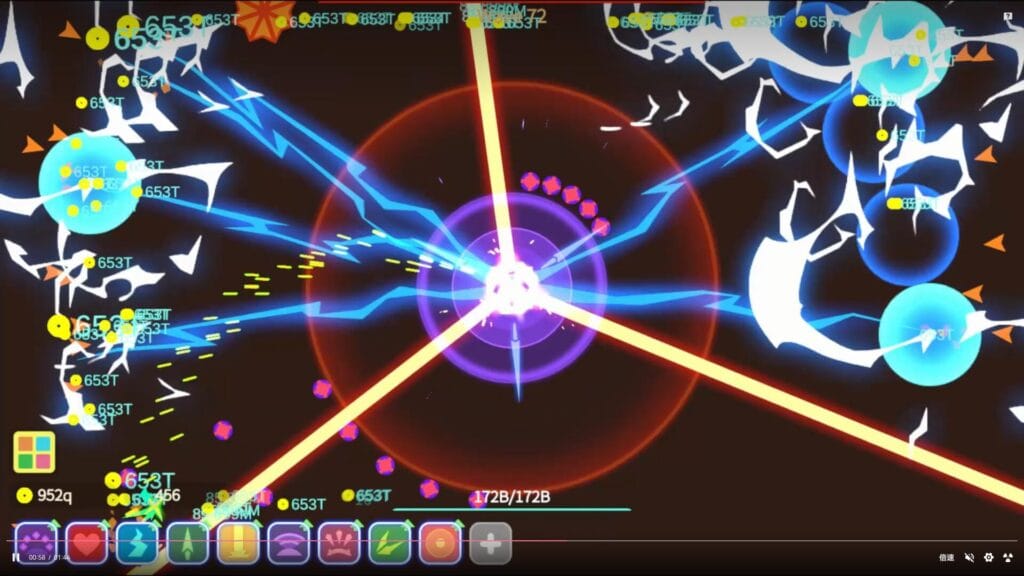
You control one tower at the center of the screen, and waves close in from every direction. Inside a run you spend Cash on temporary upgrades. Between runs you spend Coins, the real currency, on permanent Workshop upgrades and long-term Lab research. Cards and Modules layer on top with big percentage bonuses. If the genre itself is new to you, our primer on what tower defense actually is covers the basics, but The Tower bends them: this is an idle incremental game first, so coins per hour matter more than twitch reflexes. It is free to download on the App Store and Google Play, with optional purchases you can safely ignore.
The whole game loop is simple. Farm a run for coins, bank them into permanent power, start a stronger run. Get that loop efficient and the tiers fall. Ignore it and you grind for days. It is one of the standout iOS tower defense games precisely because that loop is so moreish.
The Build Path: Turtle First, Then Blender
Day one, run the Turtle build. It leans entirely on defense, stacking Thorns and Defense Absolute so enemies kill themselves on contact while your tower barely fights back. It is the best Tier 1 strategy and it teaches you the economy without demanding much. The problem is Thorns and Defense Absolute do not scale. Somewhere in the early-to-mid tiers, enemy damage outpaces them and the Turtle drowns.
That is your cue to switch to the Blender build, the effective-health-pool setup that carries you through Tier 10 and well beyond. Blender drops Defense Absolute and pours everything into Health, Defense Percent, and Orbs, the spinning projectiles that shred anything that gets close. Defense Percent is the key stat because it multiplies your entire health pool instead of adding a flat number. If your runs are dying right before Tier 10, you are almost certainly still playing a Turtle that aged out three tiers ago.
Workshop Priorities That Actually Move the Needle
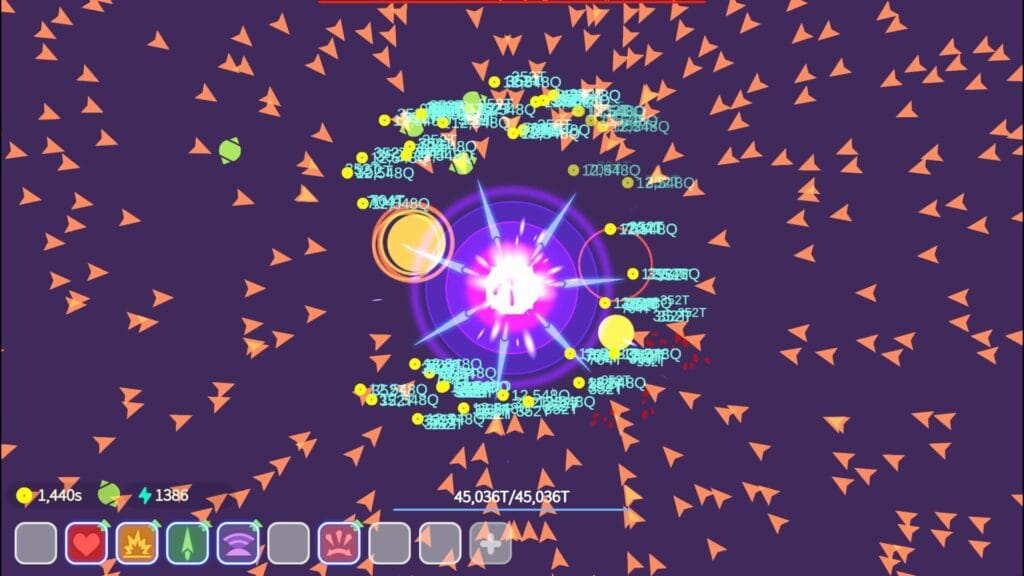
The Workshop has Attack, Defense, and Utility tabs, and beginners waste coins spreading them evenly. Don’t. In the Utility tab, Coins per Kill Bonus is the single most important upgrade in the entire game, because it speeds up every future run. Pour into it first, then Cash per Wave, Cash Bonus, the Free Upgrade options, and Max Recovery.
In Defense, prioritize Defense Percent, Knockback Chance, Health, and Thorns. Aim to get Thorns past 51 percent while the Turtle still matters, then keep Health and Defense Percent climbing for the Blender. In Attack, the one that matters early is Attack Speed, because every hit applies knockback and rolls the dice on every on-hit effect, so more attacks per second is more of everything. Multishot and Bounce Shot come next. Raw Damage is surprisingly low priority early, so do not dump coins there chasing a bigger number. That sort of restraint is what separates good The Tower mobile game strategy from flailing.
Lab Research: Set It and Forget It
Labs are slow, permanent multipliers that run in the background, and they are where patient players pull ahead. You start with one lab and unlock four more with Gems, so unlock all five as soon as your gem budget allows. The priority order barely changes for months. Lab one researches Game Speed until it is maxed, because faster game speed means faster everything, then it pivots to Attack Speed and never stops. Lab two lives on Lab Speed so your other research finishes quicker.
The remaining labs are economy slots: Coins per Kill, Golden Tower bonus and duration, and Cash Bonus, with the fifth left flexible for things like Orb Speed for your Blender or Ultimate Weapon research later. One efficiency tip the game hides: use Elite Cells, farmed from elite enemies, to speed up research rather than burning Gems, which are better spent unlocking labs and modules.
Milestones, Modules, and When to Push
Two systems quietly decide your ceiling. Milestones are wave thresholds that unlock features and tiers, including your first free lab at wave 30 of Tier 1, so chasing the next milestone is often more valuable than grinding coins on a tier you have already cleared. Modules are gear that bosses drop, rare and slow to accumulate, but a couple of good ones with the right substats can add more power than weeks of workshop upgrades. Save your reroll shards for substats on a module you actually intend to keep.
Then there is the decision the whole game pivots on: coin focus versus wave focus. Early, you farm. You run a tier you can clear comfortably, stack Coins per Kill and Golden Tower, and bank everything into the Workshop and Labs. Once your economy is fat and a run funds your upgrades in minutes instead of hours, flip to wave focus and start pushing the next tier for its milestones and higher coin multipliers. Pushing tiers before your economy can pay for the next wall is the most common reason players stall.
Putting It Together to Clear Tier 10
Past Tier 10 is not one upgrade, it is the combination clicking into place. You want a Blender build with maxed Defense Percent and a deep Health pool, Game Speed and Attack Speed labs running, a Coins per Kill economy that funds runs fast, and at least one or two decent modules equipped. Hit a wall? Do not push. Drop back a tier, farm coins for a few days, raise your permanent stats, and the wall that stopped you cold becomes a speed bump. The Tower rewards patience more than aggression, and the recent updates have only added more long-game systems like support Bots to feed that loop. It has quietly become one of the best tower defense games ever made on mobile, and patience is how you beat it.
Games Like The Tower Idle Tower Defense for PC
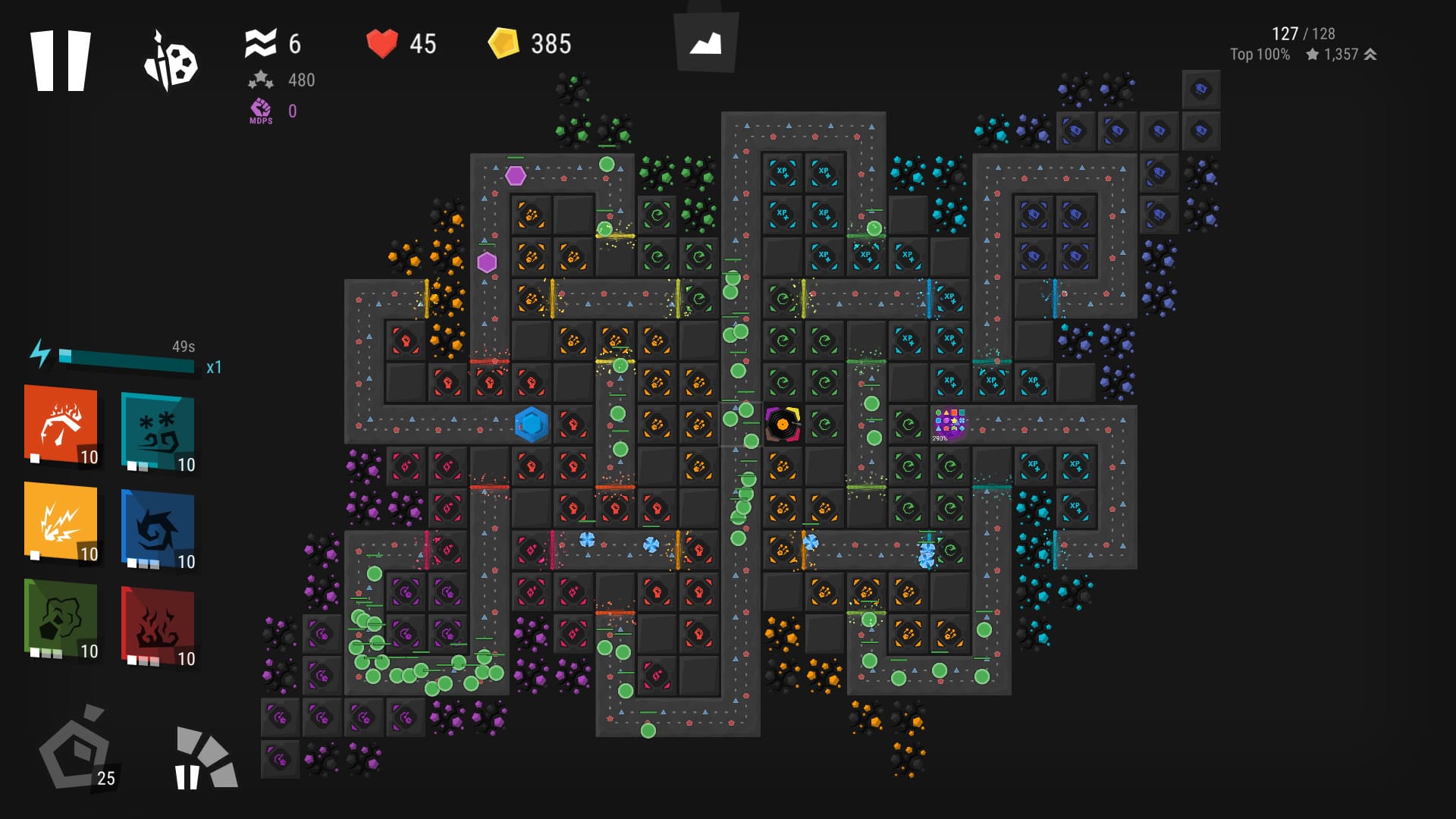
The Tower has no native PC or Steam release, so if you want it on a big screen the official route is an Android emulator like BlueStacks, which suits an idle game that you leave running anyway. If you would rather play something built for PC, a few games scratch the same itch. Infinitode 2 is the closest, a free game with a deep research tree and an endless mode you can grind for hours, and it shows up across our free tower defense games coverage. Grow Defense and Idle Hero TD are lighter free Steam picks that lean harder into the idle loop. For the bigger desktop picture, our roundup of the best tower defense games on PC has the heavy hitters.
The Short Version
Turtle through Tier 1, switch to Blender before the early tiers grind you down, and treat Coins per Kill in both the Workshop and the Labs as your top priority. Farm until a run pays for itself fast, then push tiers for milestones. Do that and Tier 10 stops being a wall. For more, the rest of our tower defense guides and the wider strategy game guides go deeper, and there are more pocket-sized picks in our Android tower defense games guide, or just browse StrategyGame for your next obsession.